 United States
Vape Firmware Updates Explained: Compatibility, Risks, and Device Support
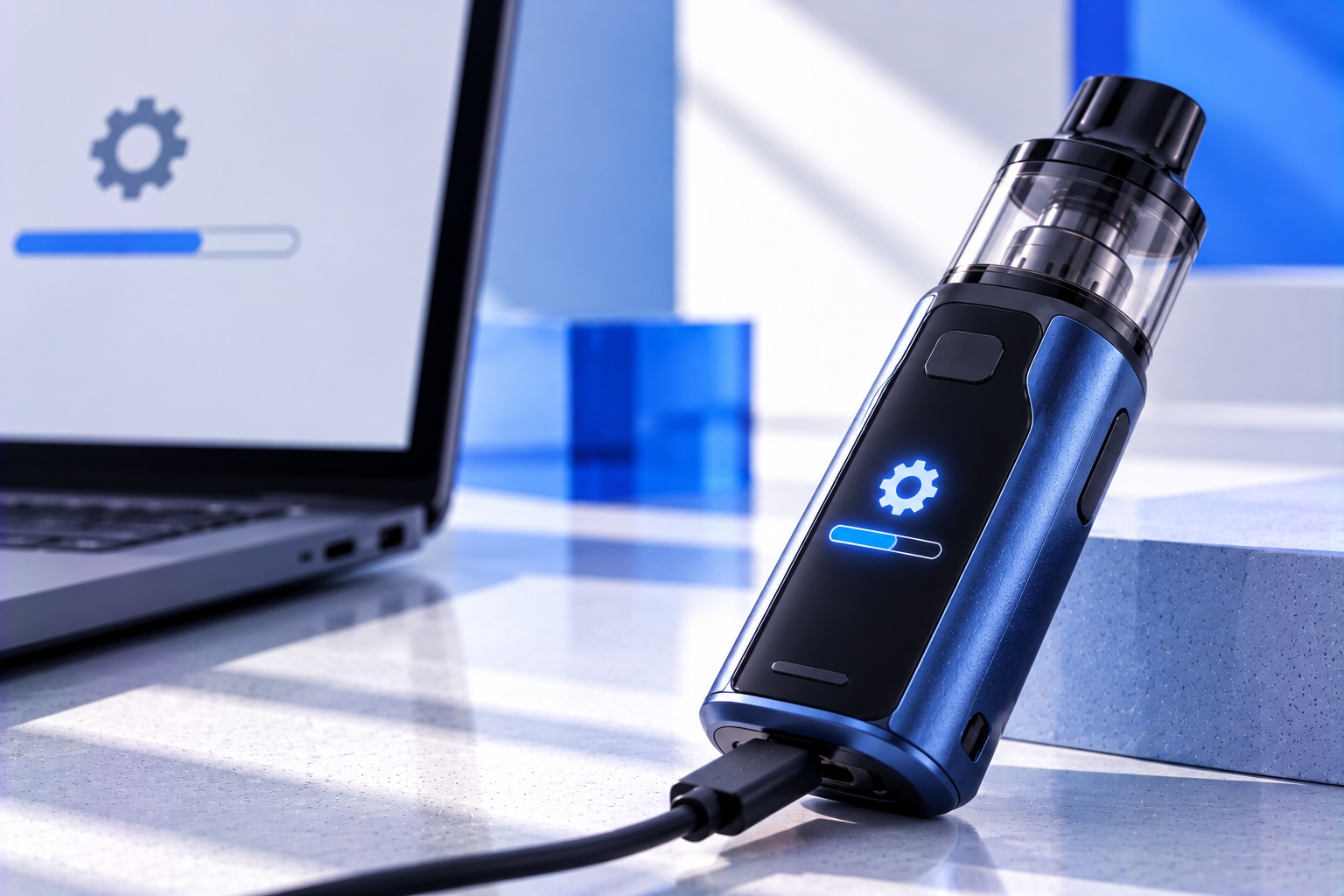
Firmware is embedded software that helps electronic vape devices manage functions such as power regulation, display information, activation inputs, and supported operating modes. Some manufacturers provide updates to address documented software issues or change supported features.
However, not every device allows users to update its firmware. Compatibility depends on the model, chipset, hardware revision, and manufacturer-supported update process.
What Is Vape Firmware?
Firmware contains operating instructions used by a device's electronics. Depending on the model, it may control menu behavior, interpret button inputs, manage supported power settings, display warnings, or implement programmed operating limits.
Firmware is different from the physical chipset. The chipset contains electronic hardware, while firmware supplies instructions for compatible hardware. Understanding vape chipset functions helps explain how these components work together.
Which Vape Devices Support Firmware Updates?
Update support is model-specific. Some advanced regulated devices offer official firmware utilities, while many compact systems and disposable devices do not provide user-accessible updates.
| Device Type | Typical Support | What to Check |
|---|---|---|
| Advanced regulated mods | Available on some models | Exact model and update utility |
| Compact pod systems | Often limited or unavailable | Official product documentation |
| Disposable devices | Generally unavailable to users | Manufacturer-listed capabilities |
| Compatible DNA-based devices | Official tools may be available | Board generation and EScribe support |
A USB-C port does not automatically indicate firmware compatibility. Some ports support charging only, while others may support manufacturer-approved data communication.
What Can a Firmware Update Change?
1. Software Corrections
An update may address documented software bugs or stability problems. Check official release notes rather than assuming every update improves performance.
2. Interface Behavior
On compatible devices, firmware may change menu behavior, display information, or software-controlled interface features. It cannot change the physical capabilities of a screen.
3. Supported Operating Modes
Some updates may adjust existing operating modes or enable features already supported by the hardware. These changes depend on the manufacturer and chipset.
4. Programmed Device Functions
Firmware can influence software-controlled functions, but it cannot repair damaged batteries, broken switches, or defective charging components.
How to Check Firmware Compatibility
Step 1: Confirm Your Exact Model
Record the full manufacturer name, device model, generation, and hardware revision when available. Similar-looking devices may require different software. Before searching for an update, identify your device using its markings, packaging, manual, and official product information.
Step 2: Check Official Support Resources
Visit the manufacturer's official website and look for model-specific firmware documentation, release notes, or software tools. Avoid unofficial downloads and files shared without verifiable manufacturer authorization.
Step 3: Review the Requirements
Confirm the supported firmware version, hardware compatibility, required software, connection method, and any stated limitations. Do not assume that firmware for another device in the same product family is interchangeable.
Step 4: Follow Manufacturer Instructions
If an update is officially supported, follow the documented procedure exactly. Do not modify update files or substitute unofficial recovery methods.
What Are the Risks of Updating Firmware?
Incompatible Software
Installing firmware intended for different hardware may cause operating errors or leave a device unable to function normally.
Interrupted Installation
An interrupted update can leave software incomplete. Manufacturer instructions should explain the required connection conditions and any supported recovery options.
Unofficial Modifications
Unofficial firmware may alter behavior outside the manufacturer's tested configuration and may affect warranty or support eligibility.
Confusing Hardware Faults With Software Problems
An update cannot correct physical battery damage, a broken connector, or a defective circuit board. If a device shows abnormal heat, swelling, or charging problems, consult vape battery precautions and the manufacturer's safety guidance rather than attempting a firmware update.
Firmware Update vs. Factory Reset
| Feature | Firmware Update | Factory Reset |
|---|---|---|
| Purpose | Changes installed software | Restores supported settings |
| May change features | Depending on release notes | Generally no |
| May erase preferences | Possible | Common |
| Repairs physical damage | No | No |
What If a Firmware Update Fails?
- Stop repeated installation attempts.
- Record the exact device model and any error message.
- Consult the manufacturer's documented recovery instructions.
- Contact official technical support if recovery is not documented.
Do not install unrelated firmware files or open the device to access internal electronics. If the hardware becomes unusually hot or shows battery damage, stop using it.
Frequently Asked Questions
Do firmware updates improve vape performance?
They may correct documented software problems or modify supported features. Improvements depend on the device and specific release.
Can I update a vape through USB-C?
Only when the manufacturer explicitly supports firmware updates through that connection. A USB-C charging port alone does not confirm update capability.
Should I install every firmware update?
Follow manufacturer recommendations and review release notes. An update is not automatically required simply because a newer version exists.
Can firmware fix a vape that will not turn on?
Only in certain software-related situations where official recovery is supported. Battery and hardware faults require separate assessment.
Can disposable vapes receive updates?
Disposable devices generally do not offer user-accessible firmware updates. Confirm the capabilities of the exact model through official documentation.
Final Thoughts
Firmware updates can help maintain certain compatible electronic vape devices, but they are not universal troubleshooting solutions. Verify the exact model, check official release notes, and use only manufacturer-approved tools and procedures.
Sources & Further Reading
- Evolv — Official DNA Chipset Resources
- Vaporesso — Official Product and Support Resources
- U.S. FDA — Vape Battery Safety Guidance
Editorial review note: Firmware availability, installation methods, and recovery procedures differ between manufacturers and hardware revisions. Confirm details using official documentation for the exact model.