 United States
Why Does My Vape Say ‘Check Battery’? What the Warning Means
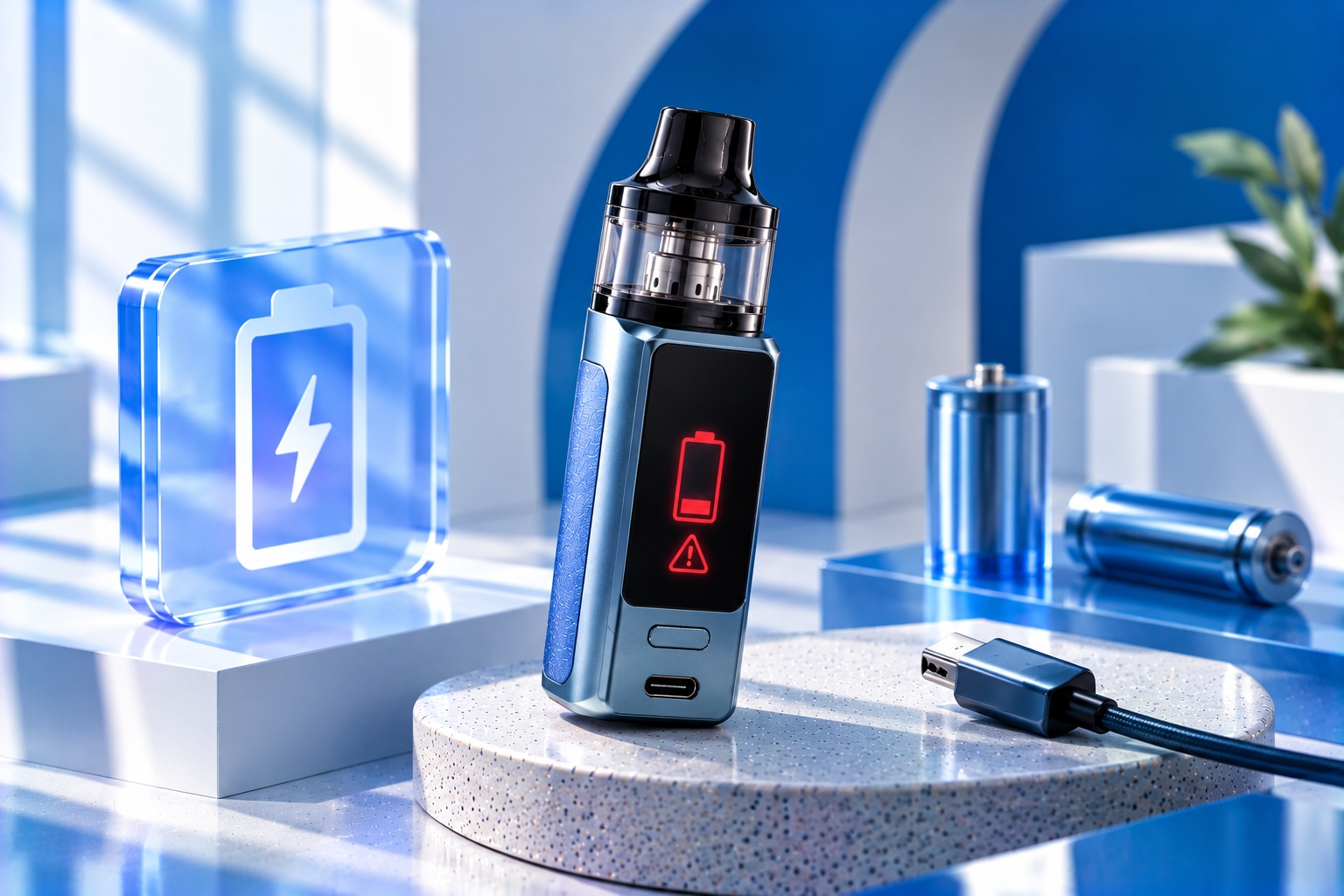
Note: A “Check Battery” message does not have one universal meaning across vape devices. Its meaning depends on the manufacturer, model, battery configuration, and control system. Consult your device manual before attempting troubleshooting. Stop using or charging any device with a swollen, leaking, damaged, or unusually hot battery.
If your vape suddenly displays “Check Battery,” the message may indicate that the device cannot confirm an acceptable battery condition or connection. Some regulated devices use battery-related warnings when they detect an issue with battery installation, electrical contact, voltage, or another condition monitored by the chipset.
However, the warning does not automatically mean the battery is defective. Its interpretation depends on the device, and a similar message may behave differently between manufacturers.
This guide explains what a Check Battery warning may mean, the possible reasons it appears, which external checks are appropriate, and when professional support or battery replacement may be necessary.
What Does “Check Battery” Mean on a Vape?
A Check Battery warning is a device-generated message that may appear when a regulated vape identifies a battery-related condition requiring attention. Depending on the model, it can be associated with battery detection, connection quality, voltage behavior, or compatibility.
Regulated vape devices use electronic control systems to monitor operating conditions. These systems may prevent firing when certain requirements are not met. The specific protections depend on the device's design and firmware, as explained in our vape chipset overview.
Importantly, “Check Battery” is not necessarily the same as “Low Battery.” One message may concern available charge, while another may relate to battery detection or a different monitored condition. The manufacturer's instructions determine the correct interpretation.
Possible Reasons Your Vape Says “Check Battery”
1. Battery Contacts Are Not Making a Reliable Connection
On devices with removable batteries, an unreliable electrical connection between a battery terminal and the device contact may interfere with battery detection or power delivery.
Possible contributing factors include visible debris, moisture, corrosion, or a contact that has been physically damaged. These conditions cannot always be diagnosed from the warning alone.
If the device is cool, powered off, and designed for user-removable batteries, inspect only the accessible areas described in the manual. Do not bend, scrape, bridge, or modify electrical contacts.
2. Incorrect Battery Installation
Some removable-battery devices may report an error if a battery is not installed as specified. Battery orientation and compartment design vary, so users should follow the polarity markings and installation instructions for their exact model.
Never force a battery into place. If the compartment, door, or contact appears damaged, stop using the device and contact the manufacturer.
3. Battery Voltage Is Outside the Device's Accepted Range
A regulated device may restrict operation when battery voltage is outside its programmed operating range. Some devices also monitor voltage behavior while power is being delivered.
A battery can display some remaining charge and still fail to meet a device's operating requirements under load. However, the exact message shown for this condition varies by model.
Do not attempt to revive an excessively discharged or unrecognized lithium-ion cell using improvised charging methods.
4. Incompatible or Damaged Removable Battery
Removable-battery devices require cells that meet the manufacturer's specified size, type, and electrical requirements. A battery that physically fits is not necessarily compatible.
Visible damage such as dents, torn insulation, leaking, swelling, or unusual heat is a reason to stop using the battery, regardless of whether the device displays an error.
Our battery safety guide explains battery condition, compatibility, and handling precautions in more detail.
5. A Battery Monitoring or Internal Device Fault
If the warning persists despite correct installation and a manufacturer-approved battery, the issue may involve the device's monitoring electronics, battery compartment, or another internal component.
This possibility is particularly important for devices with built-in batteries, where the cell and its connections are not intended to be accessed by the user. Do not open the enclosure or attempt internal repairs.
How to Check a Vape Battery Warning Safely
The safest troubleshooting approach is to begin with the device's official instructions and avoid actions that could damage a lithium-ion battery.
Step 1: Stop Firing the Device and Read the Exact Message
Stop using the vape when the warning appears. Note the exact wording, any accompanying symbols, and whether it appears during startup, charging, or an attempted puff.
Different error messages can refer to different systems. The vape screen indicators guide provides context for common display information, but the specific Check Battery message should be interpreted using the manufacturer's manual.
Step 2: Check for Visible Damage or Abnormal Heat
Before attempting any other checks, look for swelling, leaking, deformation, unusual odor, discoloration, or excessive heat. If any of these are present, do not continue using or charging the device.
The U.S. Food and Drug Administration (FDA) recommends following manufacturer instructions and avoiding the use of damaged batteries. Battery-related fires and explosions can cause serious injuries.
Step 3: Consult the Device Manual
Find the troubleshooting or error-message section for the exact model. Confirm whether the manufacturer defines “Check Battery” as a connection, voltage, installation, or another battery-related warning.
If you are unsure which model you own, our guide to identifying your device explains how to locate model information before selecting compatible parts.
Step 4: Inspect User-Accessible Removable Batteries Only
If the manufacturer permits users to remove the batteries, power off the device and follow the specified removal procedure. Inspect the cells and accessible compartment for obvious damage or contamination.
Only use manufacturer-approved cleaning procedures. Do not insert metal tools, use liquids on battery contacts, alter the battery wrap, or attempt to repair a damaged cell. If contamination or corrosion cannot be safely addressed using the manual, seek qualified support.
Step 5: Verify Battery Compatibility
For removable-battery devices, confirm that the battery type and specifications match the manufacturer's requirements. If the device uses multiple cells, follow its instructions for battery matching and replacement.
The FDA advises against mixing batteries of different brands, ages, or charge levels in multi-battery devices. Never bypass battery protection or use an improvised connection to make an incompatible cell work.
Step 6: Contact the Manufacturer if the Warning Remains
If the warning continues, stop troubleshooting rather than repeatedly attempting to fire or charge the device. Contact the manufacturer or an authorized service provider with the model name, exact warning, and circumstances in which it appears.
Battery safety reminder: Never bypass a battery warning, bridge electrical contacts, open a sealed battery enclosure, or use a damaged lithium-ion cell. If a battery begins smoking, hissing, or presenting an immediate fire hazard, move away and contact emergency services.
“Check Battery” vs. Other Vape Warning Messages
Battery-related messages can resemble other device errors, but they should not automatically be treated as interchangeable.
| Message | Possible Meaning | What to Check |
|---|---|---|
| Check Battery | Battery detection, condition, or another model-specific issue | Manufacturer's error definition and battery instructions |
| Low Battery | Battery charge or voltage below a device threshold | Approved charging instructions and battery condition |
| Check Atomizer / No Atomizer | Atomizer or coil detection problem | Compatible tank or coil and manufacturer-approved connections |
| Too Hot / Overheat | Temperature-related protection or fault | Stop use; assess abnormal heat and follow the manual |
These descriptions are general examples, not universal error-code definitions. A manufacturer's exact terminology always takes precedence.
Can a Vape Say “Check Battery” Even When It Is Fully Charged?
Yes, depending on the device. A displayed battery percentage or full-charge indicator does not necessarily establish that every battery-related operating condition is acceptable.
For example, a device may be unable to establish a reliable connection, or its monitoring system may detect a condition unrelated to the displayed charge level. A fully charged indication should therefore not be used as a reason to ignore a persistent warning.
Likewise, a device that is connected to power should not be assumed safe to use while displaying a battery error. Follow the manufacturer's charging and operation instructions.
When Should You Stop Using the Vape?
Stop using or charging the device if the warning appears alongside any of the following:
- Swelling, leaking, dents, or other visible battery damage.
- Unusual or excessive heat.
- Burning smells, smoke, hissing, or abnormal noises.
- A damaged battery compartment or exposed electrical contacts.
- A persistent warning that the manufacturer's recommended checks do not resolve.
Do not attempt to discharge, puncture, dismantle, or modify a damaged battery. Follow local hazardous-waste or battery-recycling guidance for proper disposal, and contact the manufacturer if the battery is built into the device.
How to Reduce Future Battery-Related Warnings
Not every battery warning is preventable, but appropriate handling can reduce avoidable connection and battery-condition problems.
- Use only batteries and charging equipment approved for the specific device.
- Protect removable batteries from metal objects by storing them in suitable cases.
- Avoid exposing devices or batteries to extreme temperatures.
- Keep the device dry and follow manufacturer-approved maintenance procedures.
- Inspect removable batteries for visible damage before installation.
- Stop using a device that repeatedly reports unexplained battery errors.
These precautions support safer battery handling, but they cannot guarantee that a device will never develop a fault.
Final Thoughts
When a vape says “Check Battery,” it is signaling a condition that requires attention, but the message alone does not identify one confirmed cause. Battery installation, electrical contact, voltage behavior, compatibility, and internal monitoring faults are among the possibilities, depending on the model.
Start with the manufacturer's manual, check for visible damage, and limit troubleshooting to procedures the manufacturer permits. If the warning persists or the battery behaves abnormally, stop using the device and seek qualified assistance instead of trying to override the protection.
Official Sources & Further Reading
- U.S. FDA — Tips to Help Avoid Vape Battery Fires or Explosions
- U.S. FDA — How to Report Problems With E-Cigarettes and Other Tobacco Products
- Device-specific manufacturer manual — consult the exact model's battery warnings, installation instructions, and troubleshooting section.
Last reviewed: October 15, 2026. This article provides general device troubleshooting and battery-safety information. “Check Battery” is not a standardized diagnostic message across all vape models. Always follow the instructions provided by the device and battery manufacturers.