 United States
Why Is My Vape Screen Flickering? Causes and Warning Signs
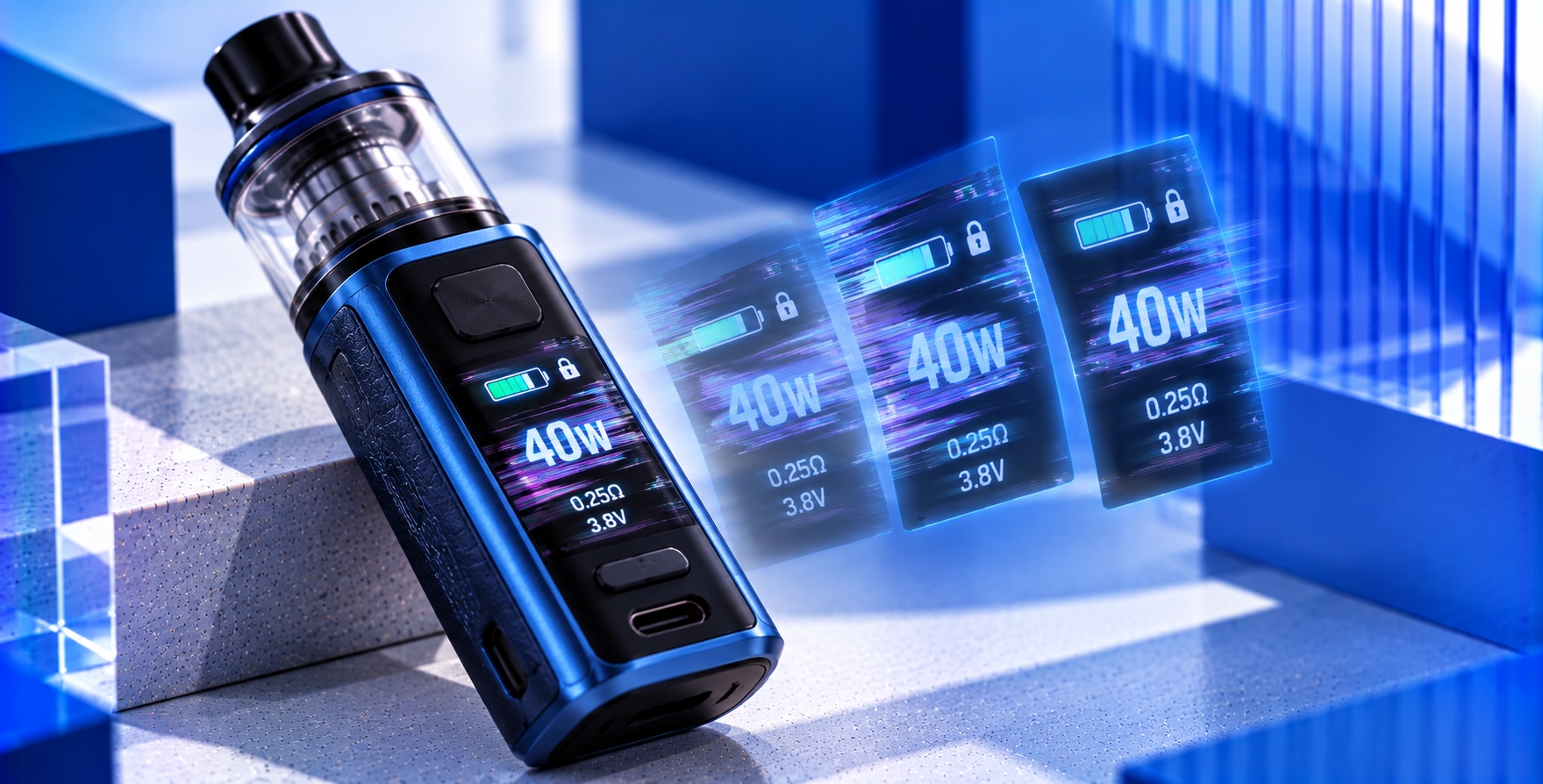
Your vape screen suddenly flickers, dims, flashes, or briefly turns black before returning to normal. Sometimes it happens when you press a button, while other times the display becomes unstable even when the device is sitting idle. Is this normal screen behavior, or could something be wrong with the device?
A flickering vape screen can have several possible explanations, including normal display animations, low battery voltage, software behavior, damaged screen components, or internal electrical problems. The exact cause depends on the device model and when the flickering occurs.
This guide explains why vape screens flicker, how to distinguish expected display behavior from possible malfunctions, and which warning signs mean you should stop using the device.
Quick Answer: Why Is My Vape Screen Flickering?
A vape screen may flicker because of a temporary display issue, battery-related voltage changes, a software malfunction, or damage to internal electronic components. Some devices also use flashing screen elements intentionally to communicate charging status, operating changes, or warnings.
The most important distinction is whether the entire screen is behaving unexpectedly or a particular icon is flashing as part of the device's normal interface.
If the display repeatedly goes black, shows distorted graphics, or flickers alongside other electrical problems, discontinue use until the manufacturer can assess the issue.
Is It Normal for a Vape Screen to Flicker?
Not every flashing display indicates a malfunction. Some regulated vape devices intentionally change screen brightness, display charging animations, or briefly illuminate the screen when a button is pressed.
However, repeated unintended flickering, irregular brightness changes, distorted characters, or a screen that turns off unexpectedly may indicate a problem.
The following comparison can help distinguish different display behaviors.
| Screen Behavior | Possible Explanation | Recommended Response |
|---|---|---|
| Battery icon flashes during charging | Manufacturer-defined charging animation | Check the official manual |
| Screen briefly lights up after pressing a button | Normal screen activation or timeout behavior | Compare with documented behavior |
| Entire screen repeatedly dims or flashes | Display, power-management, or electronics issue | Stop use if persistent or unexplained |
| Screen shows lines, missing pixels, or distorted text | Possible display hardware damage | Seek manufacturer support |
| Screen flickers with heat or unexpected activation | Potential electrical or battery fault | Stop using and charging immediately |
Note: These examples describe possible patterns, not confirmed diagnoses. Display functions and warning signals vary by manufacturer and model.
What Causes a Vape Screen to Flicker?
1. Low Battery Voltage or Unstable Power Delivery
A vape device relies on its battery and electronic control system to supply power to the display. Depending on the device design, low battery voltage or unstable power delivery may affect how the screen operates.
For example, a device experiencing a power interruption might briefly dim, restart, or lose its display. However, screen flickering alone cannot confirm a battery problem.
If the device also displays a battery warning, consult the manufacturer's instructions. Vape.com's Check Battery warning guide explains how battery-related messages differ from ordinary charge indicators.
2. Display Brightness or Screen Timeout Settings
Some screen-equipped vape devices include adjustable brightness, display timeout, or power-saving functions. These settings may cause the screen to dim or switch off automatically.
A display that changes brightness at predictable intervals may be operating as designed rather than experiencing a hardware fault.
Review the device manual to determine whether brightness adjustment, automatic dimming, or screen timeout features are supported. Do not assume that every device includes these settings.
3. Firmware or Software Display Problems
On devices that use firmware to control screen functions, software problems may affect the display interface. Depending on the model, symptoms could include frozen graphics, delayed screen updates, unexpected restarts, or irregular visual behavior.
However, a flickering screen does not establish that firmware is responsible. Similar symptoms can result from hardware or power-related problems.
Only use firmware updates officially provided for the exact device model. Do not install unofficial software or attempt to modify device protections to resolve a display problem.
4. Physical Damage to the Display
A dropped, crushed, or otherwise damaged device may develop display problems. The screen panel, internal connections, or supporting electronics can be affected by physical impact.
Possible symptoms include irregular brightness, partial screen failure, missing characters, colored lines, or a display that stops working intermittently.
Not all damage is visible from the outside. A device with an intact screen cover may still have internal damage following an impact.
If screen problems begin after a significant drop or impact, stop using the device and seek manufacturer guidance rather than attempting to open the housing.
5. Moisture or E-Liquid Entering the Device
Moisture and e-liquid exposure can interfere with electronic components if liquid enters areas that are not designed to be wet.
Depending on the extent of exposure, a device may show screen abnormalities, unexpected restarts, charging problems, or other electrical symptoms.
If liquid may have entered the electronic housing, stop using and charging the device. Do not use a hair dryer, external heat source, or improvised drying method to attempt a repair.
Cleaning accessible exterior surfaces does not establish that internal electronics are dry or safe to operate.
6. Internal Chipset or Display Circuit Problems
Regulated vape devices use electronic control systems to manage power delivery, input signals, display information, and certain protective functions.
A malfunction involving display control, electrical connections, or power regulation may produce unexpected screen behavior. However, diagnosing the exact internal component requires model-specific technical assessment.
Vape.com's vape chipset overview provides additional context on how electronic control systems manage display functions and device monitoring.
Why Does My Vape Screen Flicker When I Press the Fire Button?
Some devices change the display during activation to show wattage, voltage, puff duration, or other operating information. A brief screen change may therefore be intentional.
However, if the entire screen repeatedly turns black, restarts, or becomes distorted when the fire button is pressed, the behavior may indicate an interruption in power delivery or another electrical issue.
Do not repeatedly press the fire button to reproduce an unexplained malfunction. Stop using the device and follow the manufacturer's troubleshooting instructions.
Why Does My Vape Screen Flicker While Charging?
During charging, some devices display animated battery icons, changing percentages, or periodically illuminated screens. These functions depend on the manufacturer's interface design.
Unexpected full-screen flickering, repeated restarting, abnormal heat, or a charging error may instead indicate a problem with the charging system or electronics.
If the behavior is not documented as normal, disconnect the charger when safe to do so and consult the manufacturer. Do not continue charging a device that becomes unusually hot, emits an abnormal odor, or shows signs of battery damage.
Vape Screen Flickering vs. LED Indicator Blinking
Screen flickering and LED blinking are not necessarily the same issue.
Screen flickering generally describes unexpected changes in the illumination or appearance of a display panel. LED blinking refers to a light switching on and off, often as part of a device-defined status or warning pattern.
A flashing battery icon on a screen may be intentional, while irregular flashing across the entire display may indicate a different condition.
For manufacturer-specific light patterns, Vape.com's LED indicator guide explains how colors, flashes, and status signals differ between devices.
How to Check a Flickering Vape Screen Safely
If the display is flickering unexpectedly, begin with simple observations rather than attempting an electrical repair.
- Stop using the device. Power it off if possible and allow it to cool before performing any permitted checks.
- Look for warning signs. Check for unusual heat, swelling, leaking, smoke, odors, physical damage, or unexpected activation. Stop all troubleshooting if these are present.
- Identify when the flickering occurs. Note whether it happens during startup, charging, button presses, or while idle. Do not repeatedly activate a malfunctioning device to reproduce the problem.
- Consult the official manual. Check whether the behavior matches a documented animation, warning, screen timeout, or brightness function.
- Check supported display settings. If the device is otherwise operating normally and the manufacturer permits it, review brightness and timeout settings without changing electrical protections.
- Contact manufacturer support. If the flickering persists or the device shows unexplained electrical behavior, discontinue use and seek authorized assistance.
Do not open the screen assembly, disconnect internal wiring, modify the chipset, or bypass protective circuits. Built-in battery devices and sealed electronics are not intended for improvised repairs.
When Is a Flickering Vape Screen a Warning Sign?
Screen flickering becomes more concerning when it appears alongside symptoms that suggest a broader electrical or battery problem.
- The device becomes unusually hot during operation or charging.
- The battery or enclosure shows swelling, leaking, deformation, or other physical damage.
- The device activates unexpectedly or continues heating without intentional input.
- The screen repeatedly restarts, goes black, or displays distorted information.
- A burning or chemical odor, smoke, or abnormal sound develops.
- Flickering begins after significant liquid exposure or physical impact.
- Electrical warnings persist or return after manufacturer-approved checks.
If any serious battery or electrical warning appears, stop using and charging the device. A functioning display does not guarantee that the internal electronics are safe.
Can You Continue Using a Vape With a Flickering Screen?
That depends on whether the behavior is a documented display function or an unexplained malfunction.
If the manufacturer confirms that a flashing icon or screen animation is expected, it may be part of normal operation. However, persistent unintended flickering, distorted graphics, unexpected shutdowns, or other electrical symptoms should not be ignored.
When the cause is uncertain, discontinue use until the manufacturer confirms the appropriate next steps. Do not rely on the device continuing to produce vapor as evidence that its electronics are functioning safely.
Frequently Asked Questions
Why is my vape screen flickering on and off?
Possible causes include screen timeout behavior, battery-related power changes, firmware issues, display damage, moisture exposure, or internal electronics problems. The exact cause depends on the model and when the flickering occurs.
Can a low battery cause a vape screen to flicker?
Low battery voltage may affect display operation on some devices, but flickering alone does not confirm a battery issue. Consult the manufacturer's instructions and stop using the device if other electrical warnings appear.
Why does my vape screen flash when charging?
Some devices use flashing icons or animated displays to communicate charging status. Unexpected full-screen flickering, repeated restarts, or abnormal heating should be treated differently from a documented charging animation.
Does a flickering vape screen mean the chipset is damaged?
Not necessarily. Display flickering can result from several causes, including software behavior, power interruptions, screen damage, or internal circuitry faults. The symptom alone cannot identify a damaged chipset.
Can water or e-liquid cause vape screen problems?
Yes. Liquid entering electronic components can cause malfunctions, including display abnormalities. Stop using and charging a device if liquid may have entered its electronics, and seek manufacturer guidance.
Should I replace my vape if the screen keeps flickering?
Persistent unexplained flickering may require professional assessment or device replacement, particularly when internal electronics are sealed or not user-serviceable. Follow the manufacturer's warranty, service, and replacement recommendations.
Final Verdict
A flickering vape screen does not always indicate a serious malfunction. Some devices intentionally flash icons, adjust brightness, or change display information during charging and operation.
However, repeated unintended flickering, distorted graphics, unexpected restarts, or screen instability following physical damage may indicate a hardware or electrical problem.
The safest approach is to identify the exact device model, compare the behavior with its official manual, and avoid internal repairs. If flickering persists or appears alongside abnormal heating, battery warnings, or unexpected activation, stop using the device and seek manufacturer support.
Sources & Further Reading
- U.S. Food and Drug Administration — Tips to Help Avoid Vape Battery Fires or Explosions
- U.S. FDA — E-Cigarettes and Electronic Nicotine Delivery Systems
- Vape.com — How to Read Your Vape Screen
Last reviewed: October 31, 2026. This article provides general device-display troubleshooting and safety information. Display functions, protective warnings, and service procedures vary by manufacturer and model. Consult the official device manual for model-specific instructions.