

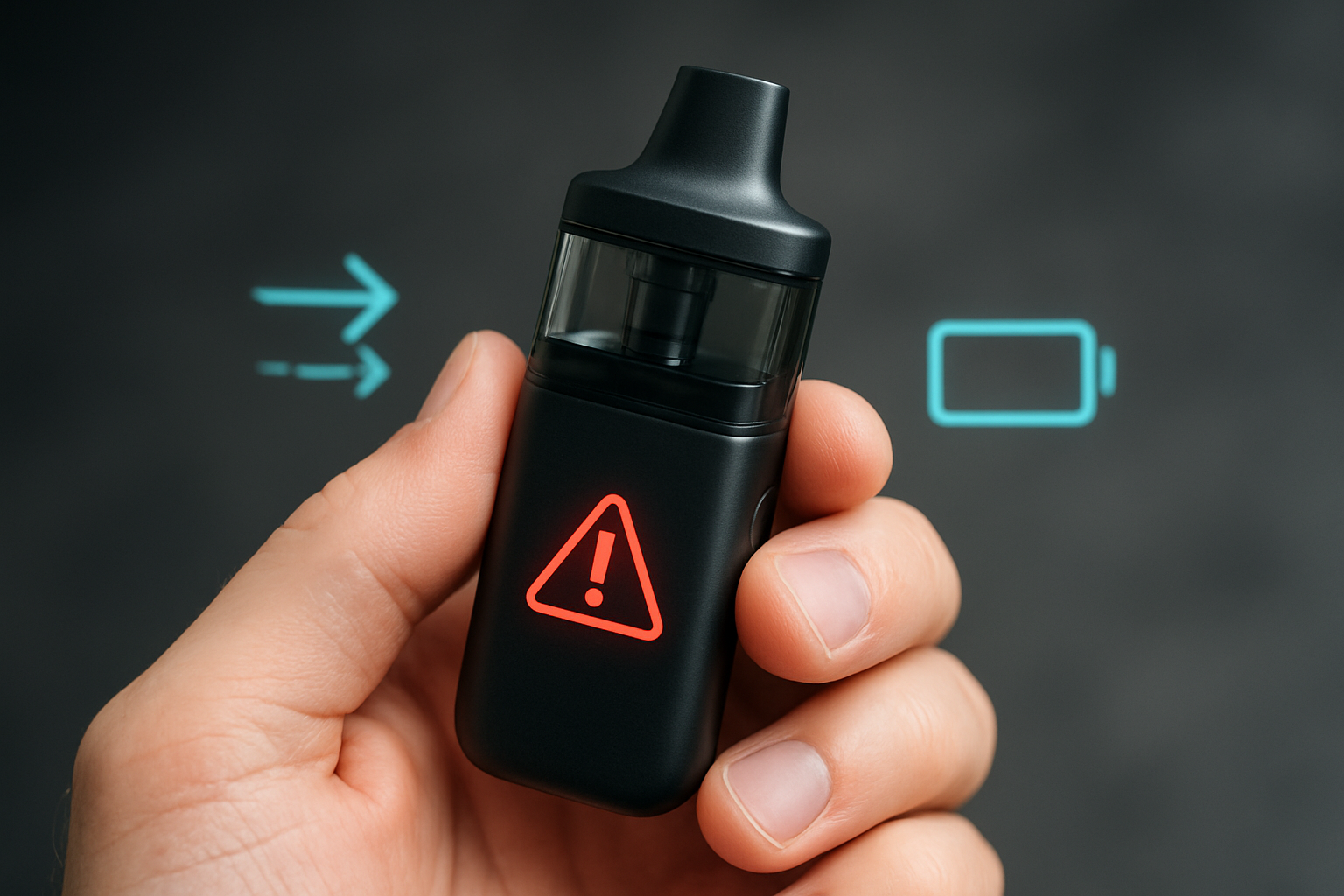
Why Your Auto Draw Vape Isn’t Working (and How to Fix It Fast)
Took a pull—and NOTHING happened? Auto draw vapes are supposed to fire the moment you inhale—but sometimes, they don’t. No vapor, no airflow, no click—just frustration.
The good news? Most auto draw failures are easy to fix. From dead batteries to clogs, these common issues can usually be solved in minutes, without tools or replacement devices. Before you toss your vape, read on—these fixes work for disposable, buttonless, and pod vapes alike.
Quick Navigation
- What Is Auto Draw and Why It Stops Working
- Common Causes of Auto Draw Failure
- Step-by-Step Troubleshooting Guide
- Advanced Fixes
- Prevention Tips
- Frequently Asked Questions (FAQs)
- Final Thoughts
What Is Auto Draw—and Why Does It Stop Working?
Auto draw vapes activate when you inhale, using airflow or pressure sensors. When these sensors are blocked, damaged, or underpowered, the device simply won’t fire—leading to vape not hitting, vape pen not firing with no light, or a disposable vape auto draw not working.
Common Causes of Auto Draw Failure
1. Low or Dead Battery
A battery can appear “charged” yet still fail to fire the sensor.
2. Blocked Sensor or Airflow
Pocket lint, dust, or condensation can prevent the sensor from detecting your inhale.
3. E-Liquid Leaks & Moisture
A common cause of vape not producing vapor.
4. Loose Coil or Poor Pod Connection
A misaligned pod means there’s no electrical contact.
5. Faulty or Worn-Out Sensor
Older devices or disposables often suffer sensor degradation.
Step-by-Step Troubleshooting Guide
Step 1: Charge the Battery
A weak battery = a weak sensor response.
Step 2: Clean the Airflow & Sensor
Use a dry cotton swab or compressed air.
Avoid water—moisture makes things worse.
Step 3: Reinstall or Replace the Pod/Coil
If your new vape pod is not working, it may not be making contact.
Step 4: Clear Clogs
A clogged disposable is one of the most common reasons for a vape not hitting.
Step 5: Adjust Your Draw
Slow and steady pulls help activate pressure sensors correctly.
Step 6: Firmware Reset (If Supported)
For smart vapes only.
Advanced Fixes (For Experienced Users)
-
Deep clean internal parts
-
Let the device cool and dry
-
Swap components (new pod, coil, or battery)
-
Final resort: Replace device if sensor is dead
How to Prevent Auto Draw Issues
-
Clean contacts weekly
-
Don’t overfill pods
-
Store upright
-
Avoid pocket lint
-
Use proper VG/PG e-liquid ratios
Frequently Asked Questions (FAQs)
Most likely airflow blockage, battery issues, or sensor failure.
Clear clogs, clean airflow, or warm the device.
Slow pulls, airflow cleaning, and condensation removal.
If airflow and battery are fine but the device won’t fire, the sensor is likely faulty.
Check coil contact, airflow blockages, and pod fit.
Factory defects, clogged airflow paths, or misaligned contacts.
Don’t Let a Dead Draw Kill Your Day
Most auto-draw vape problems are completely fixable—even if your disposable vape won’t hit, the battery looks fine, or the device isn’t firing with no light. With the right steps, you can bring most vapes back to life without tools, without opening the device, and without replacing it.
Enjoyed This Guide?
Subscribe to our newsletter for weekly vape fixes, maintenance tips, disposable reviews, coil tricks, and new product breakdowns—so you never get stuck with a non-hitting vape again. If you’ve got your own tip or fix, drop it in the comments below—your solution might help someone else.