

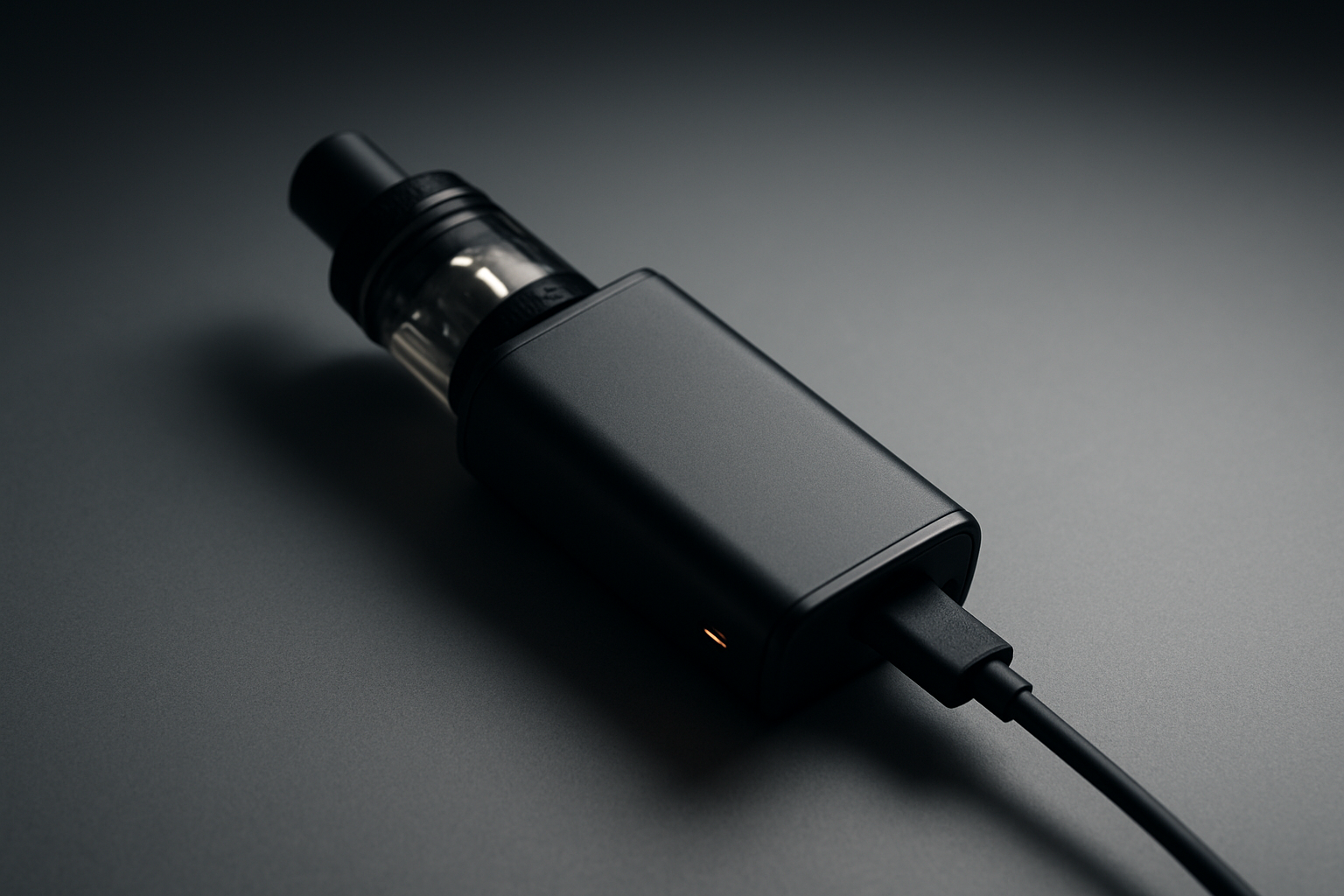
Your Vape Won’t Charge? Here’s the Fastest Way to Fix It
You grab your vape for a quick session—but nothing happens. No lights. No response. No charge. It’s frustrating—but don’t panic. Most vape charging issues are simple, quick fixes that anyone can handle at home. Whether you’re using a pod system, disposable vape, USB-C vape, or 510-thread battery, this guide will help you pinpoint the problem and get your device back to working order.
Quick Navigation
- Why Your Vape Won’t Charge
- Quick Checks Before Troubleshooting
- Step-by-Step Troubleshooting
- Visual Table: Common Charging Problems and Fixes
- Device-Specific Charging Issues
- How to Prevent Future Charging Problems
- Frequently Asked Questions (FAQs)
- Final Thoughts
Why Your Vape Won’t Charge
When your vape pen won’t charge, it usually comes down to one of these common causes:
-
Dirt or dried e-liquid blocking the charging port
-
Damaged or incompatible cable
-
Misaligned pods or battery connections
-
Depleted or failing battery
-
Outdated firmware on advanced mods
-
Internal hardware issues
Understanding these causes upfront will save you time and frustration, letting you go straight to the right solution.
Quick Checks Before Troubleshooting
Before diving deeper, start with these simple fixes:
-
Inspect your charging cable and adapter – Even if they look fine, internal damage can stop your vape from charging. Test on another device if possible.
-
Clean the charging port – Dust, lint, and dried e-liquid are often the culprit. Use a toothpick or cotton swab lightly dampened with isopropyl alcohol.
-
Ensure your device is fully assembled – Loose pods, misaligned magnets, or unseated 510 threads can block the charge.
-
Try a different power source – Some outlets don’t provide stable power. Use another wall socket, USB port, or a quality power bank.
Troubleshooting Vape Charging Issues (Step-by-Step)
1. Check the Battery Connection
For removable batteries, inspect for dents, leakage, or corrosion. Reinsert firmly. Loose connections can prevent charging.
2. Reset the Device
Turn off the vape, unplug, wait a minute, then turn it back on. A reset can fix minor software or protection glitches.
3. Replace the Charging Cable
Cables wear out—especially USB-C. Switching to a high-quality replacement often resolves blinking lights or non-responsive devices.
4. Update Firmware (Advanced Mods)
Brands like Smok, Vaporesso, and GeekVape release updates. Outdated firmware can stop charging or freeze your device.
5. Test the Battery With Another Device
If it charges elsewhere, the issue is with your vape. If not, the battery may be dead.
6. Seek Professional or Warranty Support
Persistent issues could indicate internal damage. Visit a trusted vape shop or contact the manufacturer.
Visual Table: Common Charging Problems and Fixes
| Charging Symptom | Likely Cause | Quick Fix |
|---|---|---|
| Vape plugged in but not charging | Dirty port, bad cable | Clean port; try new cable |
| Charging light not turning on | Weak power source, bad adapter | Switch outlets or USB port |
| Light stays green but vape won’t hit | Loose battery or pod | Reseat pod/battery; clean contacts |
| Vape blinking when charging | Low battery, cable issue, protection mode | Replace cable; reset device |
| Vape dead and won’t charge | Battery failure or internal damage | Test battery in another device |
| Vape gets hot while charging | Faulty adapter or overcharging | Unplug immediately; use original charger |
| Charger loose in port | Debris or worn port | Clean port; try snug cable |
| Disposable vape not charging | Dead internal battery | Replace disposable |
| USB-C vape not charging | Lint stuck in port | Carefully remove debris |
| 510 thread battery won’t charge | Dirty or overtightened threads | Clean threads; adjust cartridge |
Device-Specific Charging Issues
-
Rechargeable disposables: Often fail due to depleted batteries or burnt coils; usually cannot be repaired.
-
Pod systems: Magnetic contacts can get dirty or misaligned.
-
USB-C vapes: Lint in the port can prevent proper connection.
-
510 thread batteries: Dirty or overtightened threads often cause failure.
How to Prevent Future Charging Problems
-
Clean ports regularly
-
Use manufacturer-recommended chargers and cables
-
Avoid overnight charging
-
Handle cables gently
-
Store your vape in a cool, dry place
Frequently Asked Questions (FAQs)
Look for a solid or pulsing LED or a charging icon on the screen.
Usually a short circuit, loose connection, or low battery protection.
Yes, if it matches the vape’s voltage and amps. Avoid fast chargers unless approved.
Try a different cable, adapter, or device. If it still won’t charge, the battery is likely the issue.
Final Thoughts
A vape that won’t charge is frustrating—but most problems are solvable in minutes. Clean, maintain, and use quality accessories to prevent issues.
Have a stubborn vape? Drop a comment below with your model—I’ll help you troubleshoot it personally.
Want more vape guides, product recommendations, and care tips? Join our newsletter today for weekly updates!